
Website profile with elssle SEO
Use Website profile to see which site identity elssle SEO can read from WordPress. Check the displayed brand URL, name and description before you generate website content or configure the Organization schema.
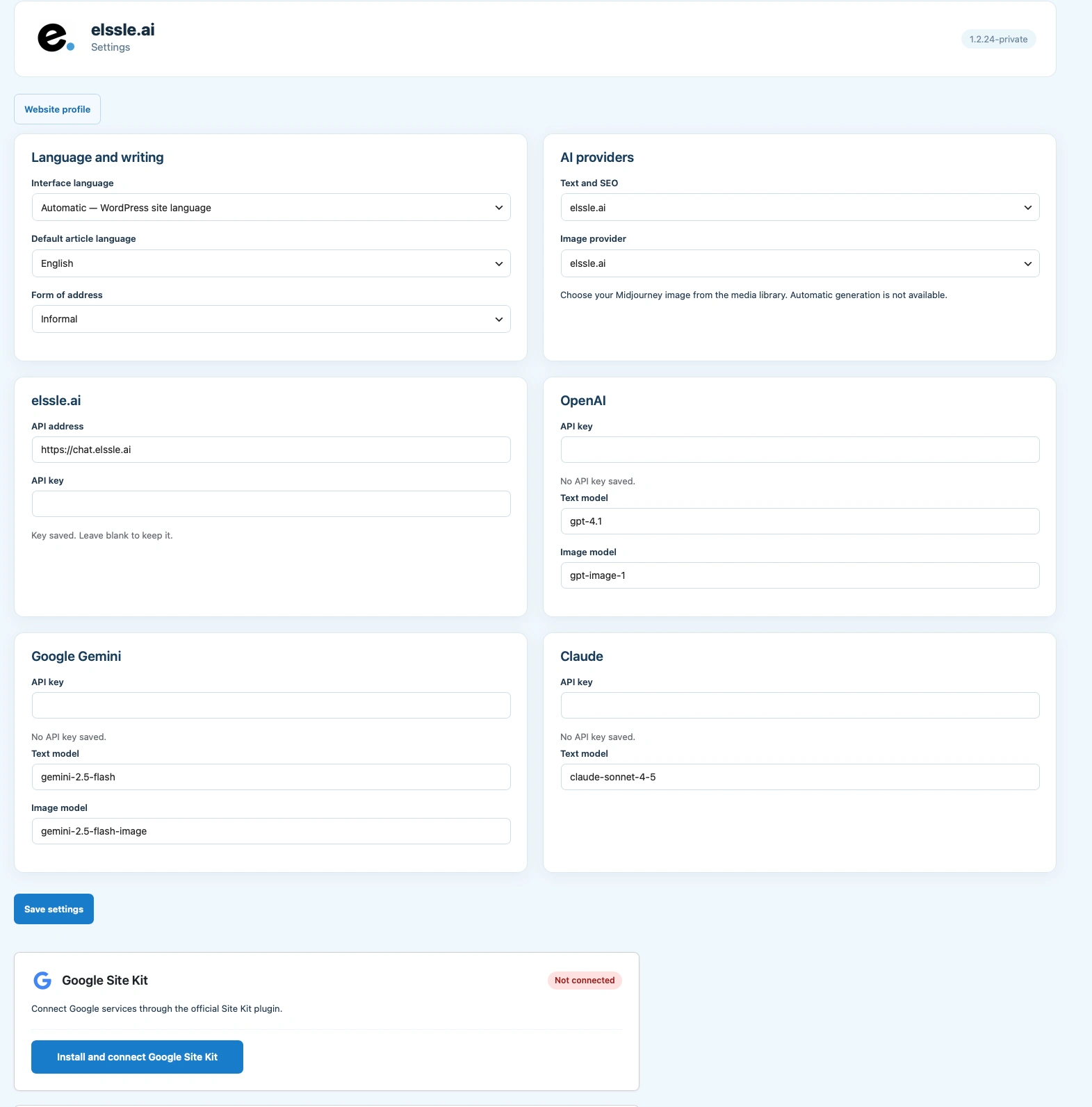
Manage your elssle SEO website profile
Your elssle SEO website profile Brand URL
This displays the public home URL of the current site. If you manage several sites, use it to confirm that you are in the intended dashboard.
Brand name and Description
These show the site title and tagline from WordPress. If the wording is inaccurate, change the Site Title or Tagline under Settings → General and use Save Changes there.
Keep your site identity accurate by regularly checking your elssle SEO website profile. This section pulls your brand URL, name, and description directly from your WordPress general settings, ensuring that your public identity remains consistent. If you notice any mistakes in the displayed tagline or title, simply head over to the General settings menu to make the necessary updates. Verifying these details first prevents errors when you generate new content or set up your technical configurations.
Your elssle SEO website profile works alongside your Organization schema to provide search engines with clear business information. While the profile reflects your basic WordPress identity, you can refine your structured data by visiting the Schema settings to manage your contact and About pages. If you use Google Site Kit, make sure your account connection points to the correct property to align your analytics with the identity shown in your dashboard for a seamless management experience.