
Translate your WordPress website with your own OpenAI API key
elssle built this plugin with ChatGPT for Gutenberg and AI-built websites. Choose your source language and the language you want to add. Convert your entire website in one go, or start with some pages and review them first.
€10 per year for one website. OpenAI bills translation usage separately to your own API account.
- EnglishEN
- NederlandsDutch
- DeutschGerman
- FrançaisFrench
- EspañolSpanish
- ItalianoItalian
- PortuguêsPortuguese
Work on translations from ChatGPT
Connect your WordPress site to OpenAI’s ChatGPT with WPVibe. Ask ChatGPT to review existing translations or prepare copy for another language. To run a translation with elssle Language and your configured OpenAI API key, ask ChatGPT to open the plugin in the WordPress dashboard.
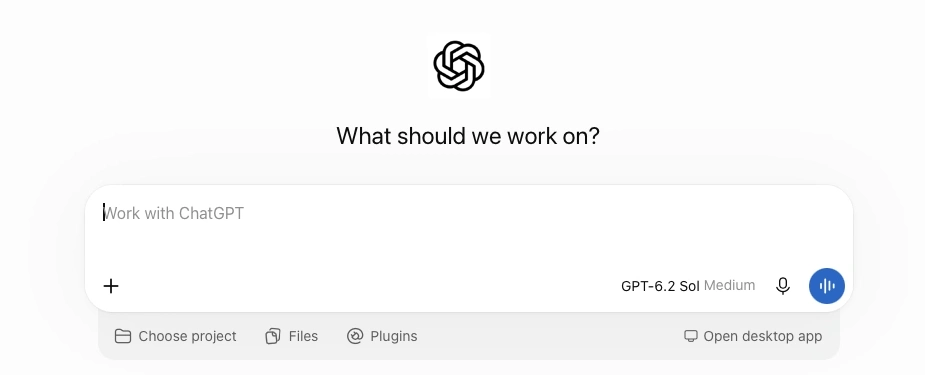
Translate using ChatGPT
- “Compare the English and Dutch versions of my Services page. Flag differences in prices, names and links.”
- “Prepare a French version of my Contact page. Keep the email address, links and WordPress block structure.”
- “Open elssle Language in WordPress and translate my About page into Spanish. Show me the result before replacing any existing translation.”
Start with your pages
Convert your pages first, then copy the styling and navigation. Open a localized page and follow its menu links to see the site as your visitors will.
Convert a magazine in batches
Work through posts by category. Translate the category names and descriptions alongside the articles so readers can browse each topic in their language.
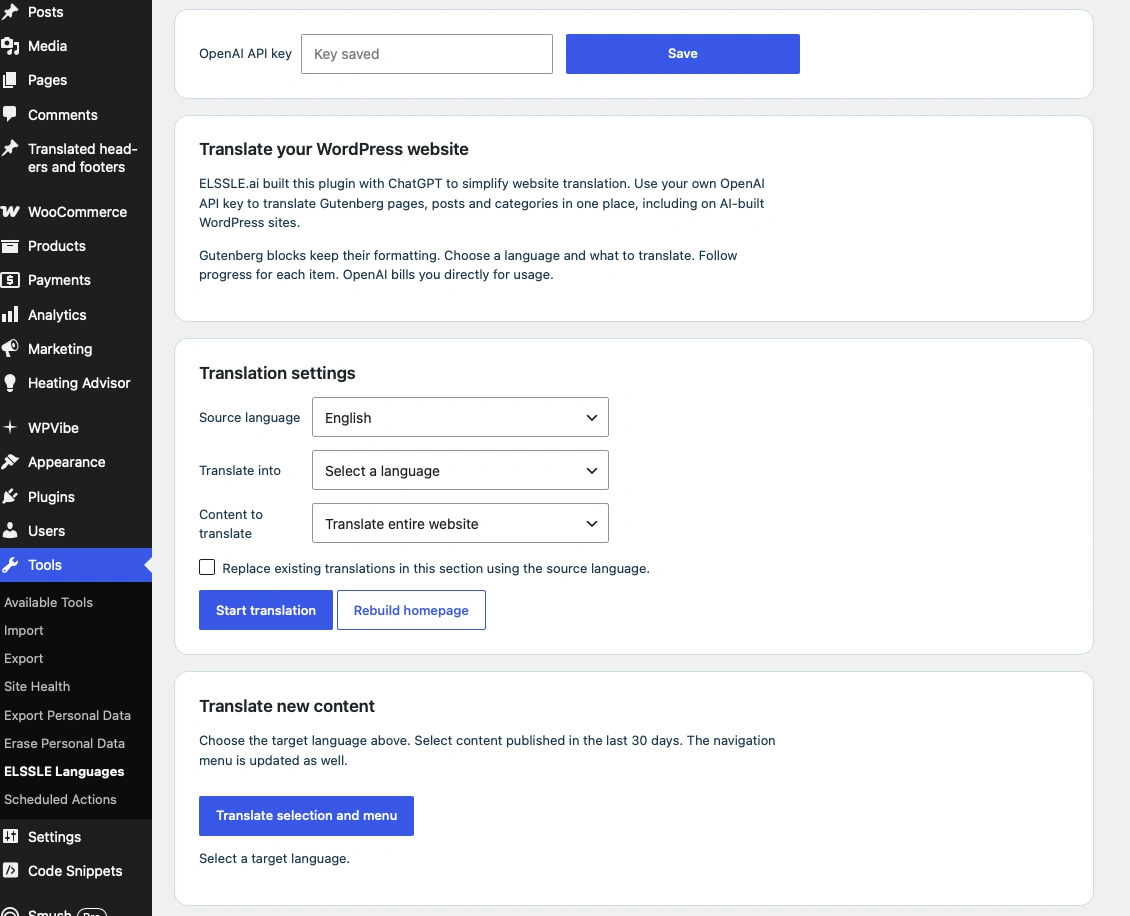
Bring your shop into another language
Convert WooCommerce products, product categories and category descriptions. Review the shop menu, then follow a category link through to a product page in the target language.
Expand your global reach
Reach more people by breaking down language barriers. You can easily convert your WordPress page and posts to attract a wider audience. This approach helps you grow your international presence while ensuring that your brand message remains clear and professional for every new visitor.
Practical Results
Translate your WordPress website efficiently by using your own OpenAI API key with this Gutenberg-compatible plugin. It solves the struggle of manual localization by allowing you to convert entire sites, WooCommerce shops, or specific categories in batches. You maintain full control over the process, choosing whether to process everything at once or review pages individually.
You benefit from a cost-effective scaling method where you only pay for the actual API usage you consume. This approach removes hidden monthly fees while expanding your international presence to a wider audience. Just remember that OpenAI bills your translation usage separately from the annual plugin subscription.
Solution: Effective Implementation
Translate your WordPress website quickly using your own OpenAI API key and a Gutenberg-compatible plugin. This tool solves the problem of tedious manual localization by letting you convert entire sites or specific batches of content. You can choose to process your whole site at once or review individual pages first to ensure accuracy.
You get a cost-effective way to expand your international presence without hidden monthly fees. This approach lets you scale your reach to a global audience while keeping your brand message professional. Keep in mind that OpenAI bills your translation usage separately from your annual plugin subscription.
Full Control Over Costs
Manage your budget effectively by using your own OpenAI API key. You only pay for the actual tokens you use to translate your content, avoiding expensive monthly subscriptions. This setup gives you total transparency over your spending while you scale your website to reach new international markets and audiences.