
Article images with elssle Publisher
Choose how to use an editorial image in an article produced with elssle Publisher. Match the image placement and brief to the publication’s layout and subject.
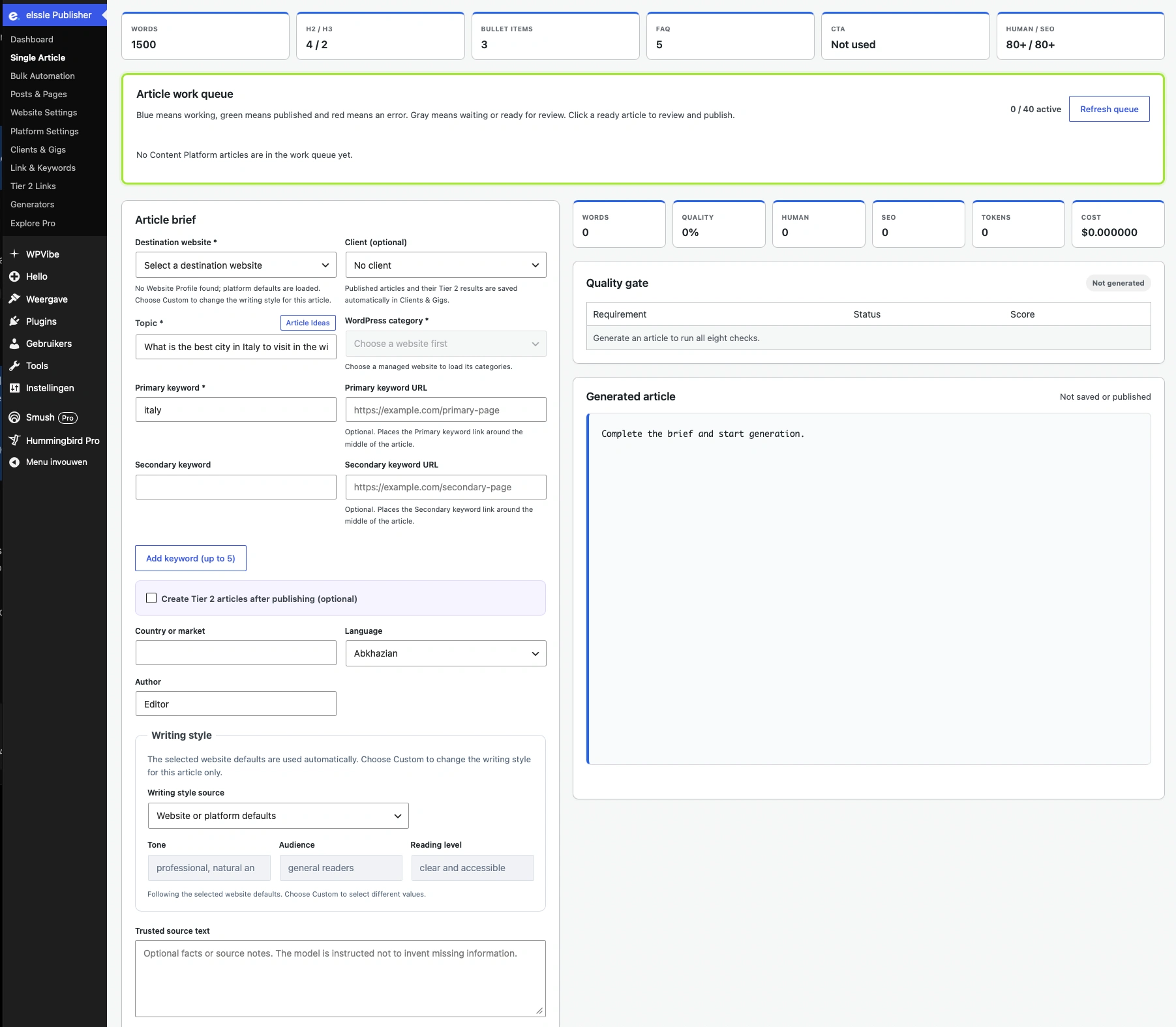
Manage featured images in elssle Publisher
Manage featured images in elssle Publisher
Choose a featured or in-content placement where available, or choose no image. A featured image is used by the destination’s archive and post template according to its theme.
Image brief
Describe the subject, setting and composition. For example, ask for a laptop and notebook on a small business desk for a guide about WordPress planning.
Review before publishing
Preview and alt text
Check that the result actually depicts the subject and works at the intended width. Write useful alt text based on what the image shows.
Missing image or replacement
Review the article before retrying or choosing another media item. If you publish without an image, check that the destination’s theme still presents the article clearly.
Verify the destination
Open both the article and its listing. Confirm that the featured image appears where expected and that any in-content image has the right placement.
Your choice of visuals helps set the tone for your readers and aligns with your publication's specific layout. When you select featured images in elssle Publisher, remember that the final look depends heavily on your destination theme's archive and post templates. Be specific in your image briefs regarding composition and setting to ensure the resulting media matches your topic. This precision reduces the need for replacements and helps you maintain a professional aesthetic across all your published articles.
Quality control is essential before you hit the publish button to ensure a seamless reader experience. Check that your featured images in elssle Publisher display correctly in both the main article and the listing page. Don't forget to write descriptive alt text that accurately reflects the visual content for better accessibility. If an image is missing, verify that your theme still presents the text clearly so your content remains readable and engaging for your audience.