
Images with elssle SEO
Create an image in elssle SEO and add it to the WordPress Media Library. A clear prompt gives the image provider the details it needs to produce a result you can actually use.
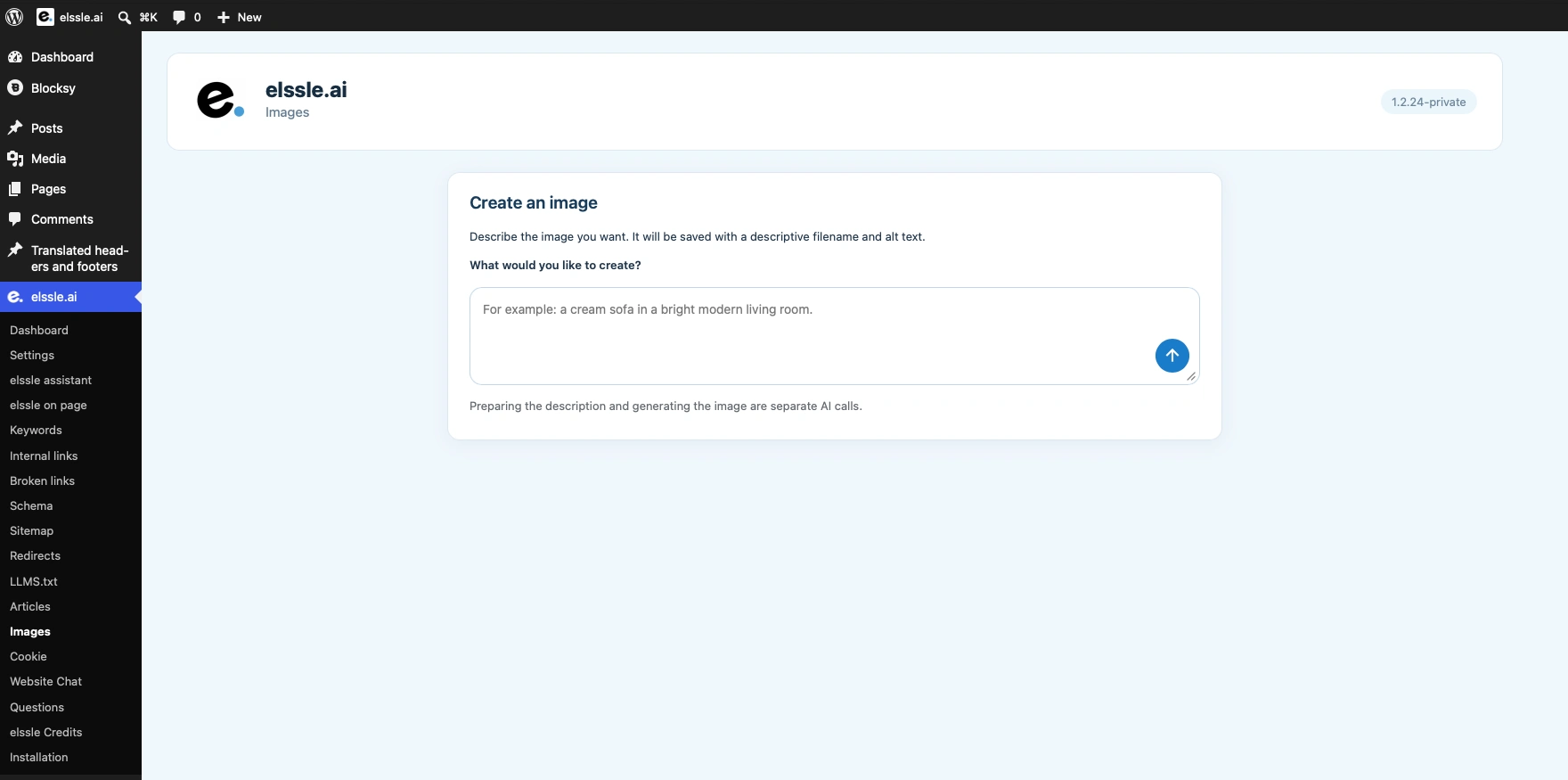
AI image generation in WordPress
AI image generation in WordPress: What would you like to create?
Describe a specific subject, setting and composition. For example, ask for a cream sofa in a bright modern living room, with space on the left for the page layout.
Generate / Check status
Start the request and follow its progress. If generation takes time, check the status before sending the same request again.
Review and use the result
Filename and alt text
Use a descriptive filename when saving or uploading. Describe the actual content in the Media Library’s alt text field, especially when the image explains a step or a product.
Media Library
Open the saved asset and inspect it at the size you will use. Choose the reusable media item from Gutenberg and decide whether the page also needs a separate featured image.
Provider choice
Review Settings if you want a different image provider or to import an existing image. AI actions and provider billing depend on that choice.
Improve your site's visual appeal by using AI image generation in WordPress to create custom assets that fit your layout perfectly. Instead of searching through generic stock libraries, you can specify the exact composition and subject you need, such as leaving empty space for overlay text. Once your image is ready, save it with a clear filename and fill in the alt text field in the Media Library to ensure your content remains accessible and search-engine friendly for all your visitors.
Manage your workflow efficiently by monitoring the status of your requests before starting new ones. You can easily switch your image provider within the settings to find the style that best suits your brand or to manage your billing preferences. After you generate a file, simply select the asset from the Gutenberg editor to place it on your page. Integrating AI image generation in WordPress allows you to quickly produce unique featured images and supporting graphics without leaving your dashboard.