
Bulk publishing with elssle Publisher
Plan and queue a series of WordPress articles in elssle Publisher. Give every article a distinct purpose so the batch produces useful coverage rather than different versions of the same post.
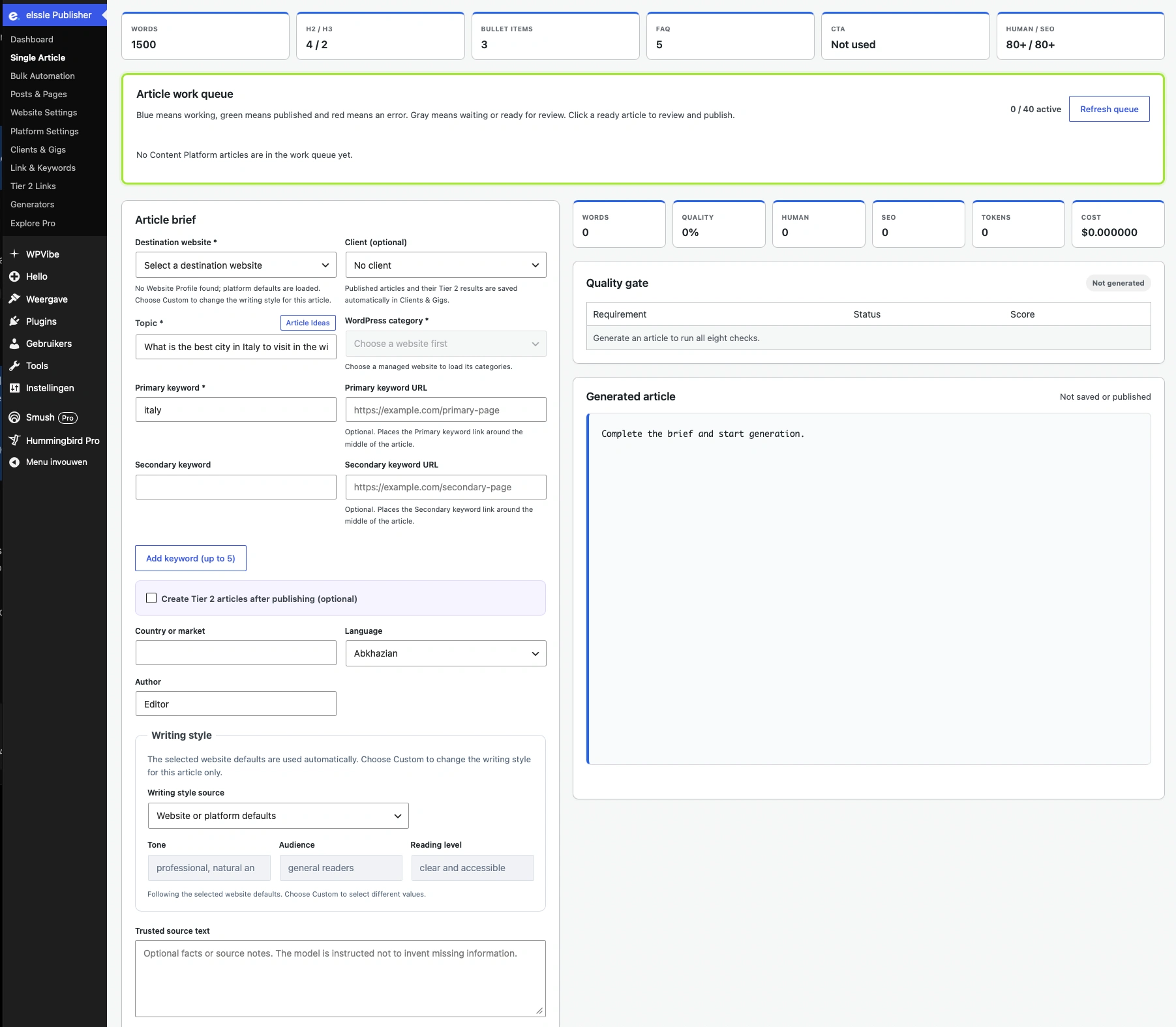
Set up your bulk publishing in WordPress
Bulk publishing in WordPress
Enter a working title and a distinct focus phrase for every article. Add notes or source material where topics have different facts or audiences.
Destination and defaults
Select the website and review its language, category, tone and image options. Specify whether you want no images where applicable and set the intended publication schedule for the batch.
Review the queue and hand off
Start the batch
Check the full input before starting the queue. Monitor individual job status, because one item may finish or require attention before the next one.
Retry or review an item
Check the message and confirm whether a draft or post already exists before retrying a failed job. Review samples from the campaign before sharing or scheduling it broadly.
Check published URLs
Open each important destination and confirm the titles, links and images. Keep the final URLs with the campaign brief for reporting.
Manage your content pipeline more efficiently by organizing your articles into strategic campaigns. When you use bulk publishing in WordPress via elssle Publisher, you can ensure your batch has a clear direction by assigning unique keywords and source notes to every piece. This prevents repetitive content and helps you reach different audience segments with a single queue. Once you set your destination defaults for tone and category, you can automate the delivery of a large volume of posts while maintaining a consistent brand voice across your entire network.
Keep a close eye on your queue to ensure every job completes successfully. Since bulk publishing in WordPress involves multiple destination sites, it is smart to monitor individual job statuses and handle any failures immediately. Before you schedule your posts broadly, review a few samples to verify that the formatting and images meet your standards. Finally, save all published URLs alongside your campaign brief so you can track your results and report on the performance of your content batch with ease.