
Clients & gigs with elssle Publisher
Organise a publishing project around the client and assignment. Keep the approved brief, keywords and target URLs together so drafts can be checked against what was agreed.
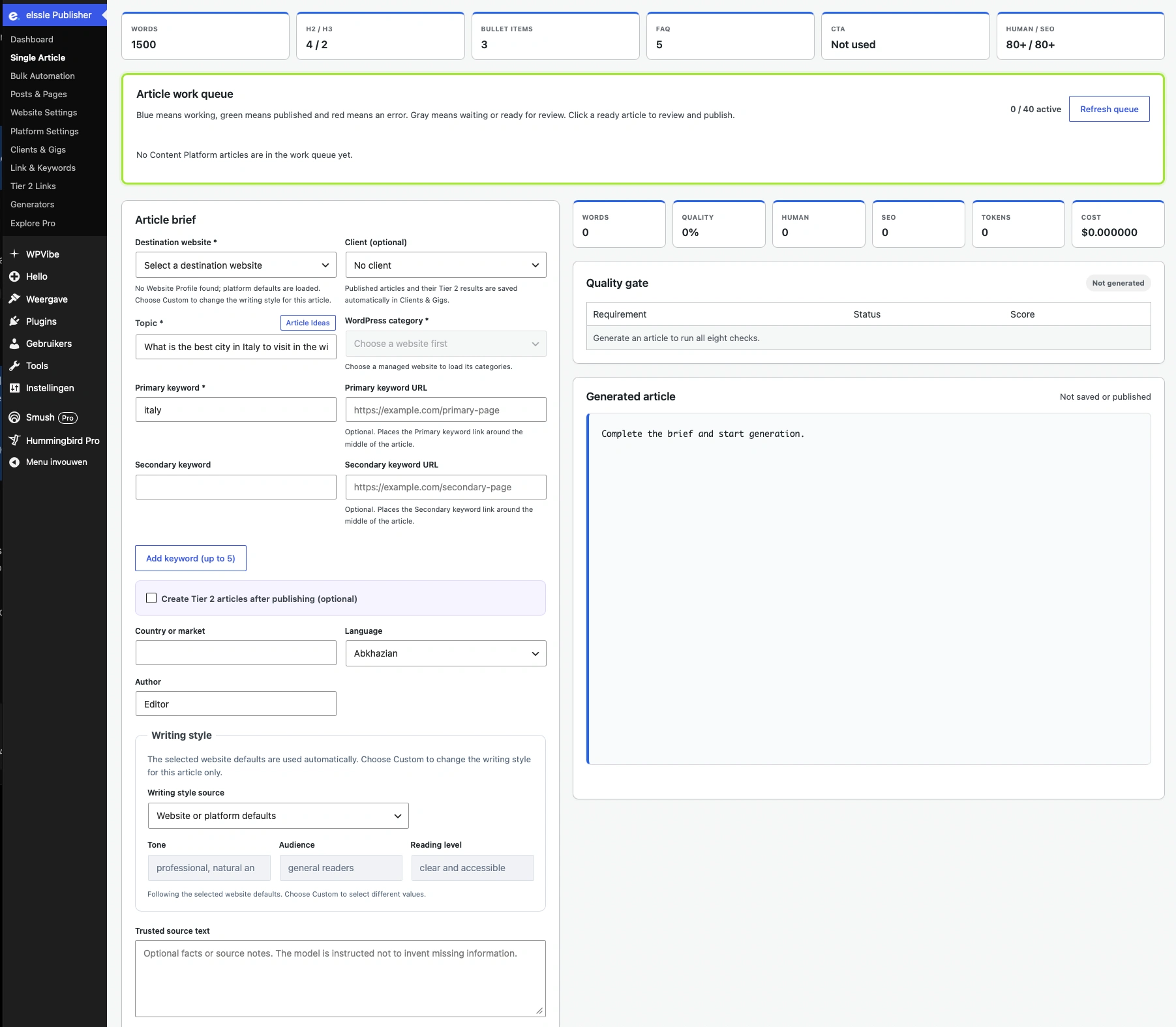
Set up your WordPress client publishing reports
WordPress client publishing reports and gig details
Use the name that identifies the client and a short, descriptive name for the assignment or campaign. Add editorial requirements relevant to the writing team.
Primary and secondary keywords
Keep the main search intent separate from the supporting phrases. Link each relevant keyword to the agreed destination when the assignment calls for it.
Target URLs and sources
Enter the correct public destinations and context. Open each URL before generating content and flag any client claim that still needs verification.
Review delivery and create the report
Published links
Collect the final post URLs and check that their content and linked destinations match the brief. Use public links when sharing the result with the client.
PDF report
Generate the report once the assignment results are ready. Check the client name, keywords and clickable URLs before delivering it.
Keep your workflow organized by grouping every essential project detail in one place. When you link your approved briefs and target URLs directly to the specific assignment, your writing team can verify every draft against the original requirements. This setup prevents errors and ensures that primary keywords are mapped to the correct destinations before any content goes live. By managing your gigs this way, you eliminate the confusion of scattered documents and maintain a clear audit trail for every piece of content you produce.
Once your links are live, you can quickly wrap up the project with professional WordPress client publishing reports. These documents compile your final public URLs and verified keywords into a clean PDF, making it easy for your clients to see exactly what was delivered. Instead of sending messy lists, use WordPress client publishing reports to provide a polished summary of the campaign results. This streamlined approach saves you time during the hand-off process and ensures your clients have a clickable record of all published work.