
Keywords & links with elssle Publisher
Keep target phrases and URLs together in elssle Publisher so each article uses the right destination. Treat a keyword-link pair as publishing context for a specific brief.
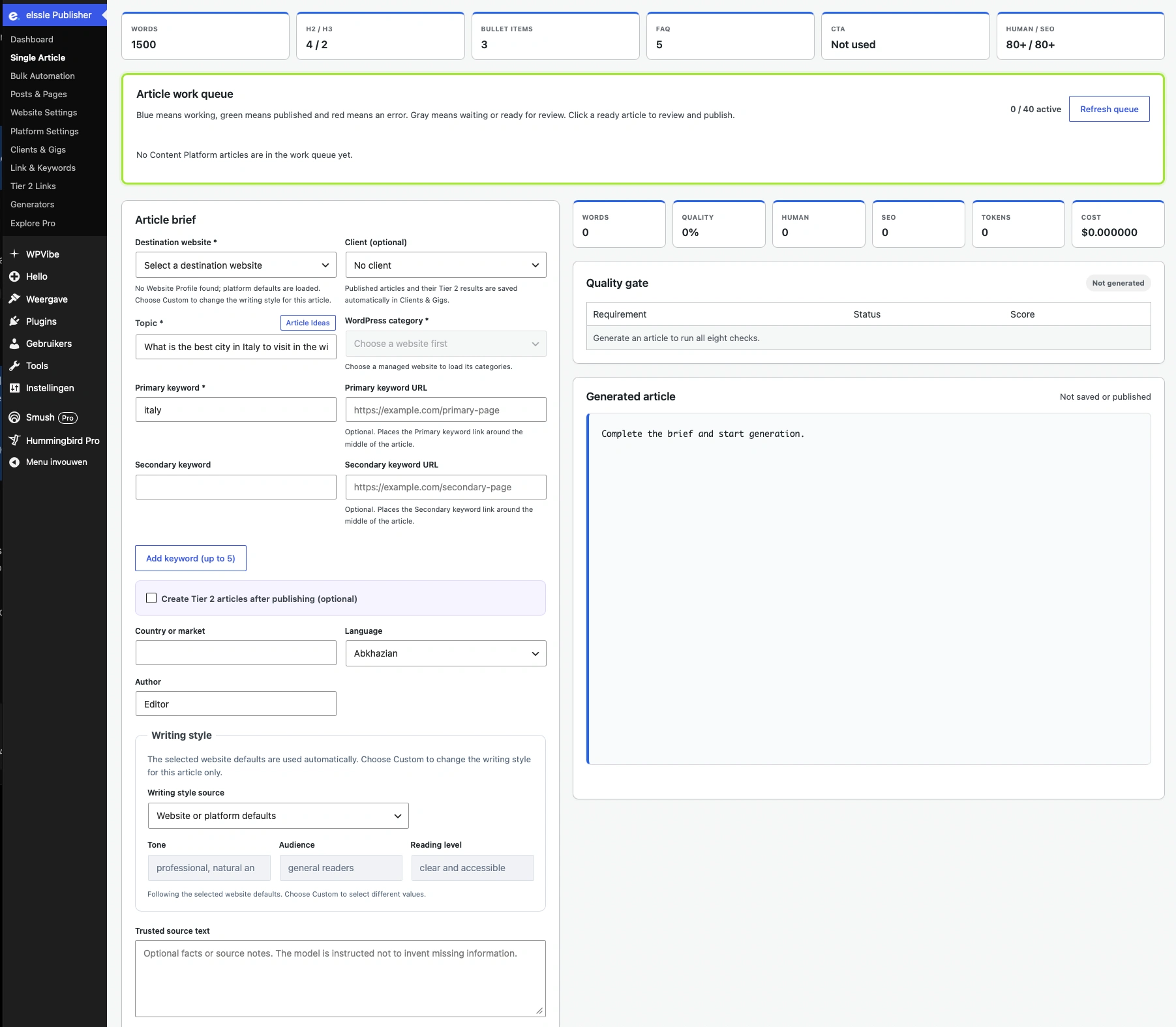
keyword and link management for Publisher: Create or select a keyword-link pair
keyword and link management for Publisher
Use a phrase that describes what the destination actually offers. Enter its full HTTPS address and check that it loads without sending readers to an unrelated page.
Select a relevant pair
Choose the pair that fits the current article or campaign. Use fewer links when several would repeat the same recommendation.
Verify placement and destination
Review the draft
Read the whole sentence around the link. Rewrite the sentence if the phrase sounds forced or if the link points to a different topic.
Open the published URL
Follow the final link after publication. If a destination changes, update the stored pair as well as any published article that still uses the old address.
Simplify your workflow by grouping your target phrases with their destination URLs. When you use keyword and link management for Publisher, you ensure that every piece of content directs your audience to the correct landing page. Instead of searching through spreadsheets, you can treat these pairs as specific publishing contexts for your briefs. This approach helps you maintain consistency across different campaigns and reduces the risk of using broken or irrelevant links in your final drafts.
Refining your selection process prevents over-linking and keeps your articles readable. Efficient keyword and link management for Publisher involves reviewing the surrounding sentence to ensure the anchor text feels natural. Once your content is live, a final check of the published URL confirms that everything works as intended. If a target page updates, you can quickly adjust the stored pair to keep your existing articles and new submissions accurate and effective.